- AI Toast
- Posts
- ChatGPT launched 2025 Wrapped
ChatGPT launched 2025 Wrapped
Plus: How to Create consistent characters with AI

Poonam Soni
December 23, 2025

In partnership with

Welcome to AI Toast!
Here’s what’s on the menu today:
ChatGPT gets its own wrapped
Meta's SAM audio changes audio editing forever
Superhero Tools for productivity
How to Create consistent characters with AI
Quick AI Toasts: ChatGPT Atlas is very vulnerable.
Total read time: About 5 minutes, perfect for a quick coffee break.

OpenAI launched "Your Year with ChatGPT," a personalized year-end recap showing how users interacted with the AI chatbot throughout 2025. Think Spotify Wrapped, but for your AI conversations.
What the recap includes:
Total messages sent and number of chats throughout 2025
Your chattiest day and conversation themes discussed
A personalized "archetype" based on usage patterns (like "The Navigator")
Custom awards such as "Instant Pot Prodigy"
AI-generated pixel art depicting your conversation themes
Your chat style analysis based on writing habits
A personalized poem and 2026 predictions
Fun stats like how many em-dashes were exchanged
How to access: You must have memory and chat history enabled. Simply ask ChatGPT to "show me my year".
Personal Take: Every platform's racing to gamify engagement through year-end recaps. ChatGPT's version is smart positioning, it changes raw usage data into shareable social proof, turning users into brand ambassadors. Expect every AI tool to clone this playbook in 2026.
Easy setup, easy money

Making money from your content shouldn’t be complicated. With Google AdSense, it isn’t.
Automatic ad placement and optimization ensure the highest-paying, most relevant ads appear on your site. And it literally takes just seconds to set up.
That’s why WikiHow, the world’s most popular how-to site, keeps it simple with Google AdSense: “All you do is drop a little code on your website and Google AdSense immediately starts working.”
The TL;DR? You focus on creating. Google AdSense handles the rest.
Start earning the easy way with AdSense.

Image Source: Meta YouTube Thumbnail
Meta just dropped SAM Audio, the first unified AI model that isolates any sound from audio mixtures using text, visual, or time-based prompts.
What SAM Audio Does:
Isolates specific sounds from complex audio using three prompt types: text ("dog barking"), visual (selecting objects in videos), or span (highlighting waveform segments)
Outperforms previous audio separation models across multiple benchmarks, handling diverse real-world scenarios with precision.
Works on the Segment Anything Playground and is available for download, expanding Meta's segmentation tech from images to audio.
Enables use cases like removing background noise, isolating instruments, cleaning podcast audio, and supporting accessibility features.
Processes both the target sound and residual audio, giving creators complete control over audio elements
Audio editing moves from manual, time-intensive work in dedicated software to prompt-based commands anyone can execute.
Personal Take: We're entering an era where audio becomes as malleable as text. Every podcaster, content creator, and marketer will soon manipulate sound with the ease of editing a Google Doc. The barrier between professional audio engineering and everyday creation just collapsed.
Your readers want great content. You want growth and revenue. beehiiv gives you both. With stunning posts, a website that actually converts, and every monetization tool already baked in, beehiiv is the all-in-one platform for builders. Get started for free, no credit card required.
How to Create consistent characters with AI
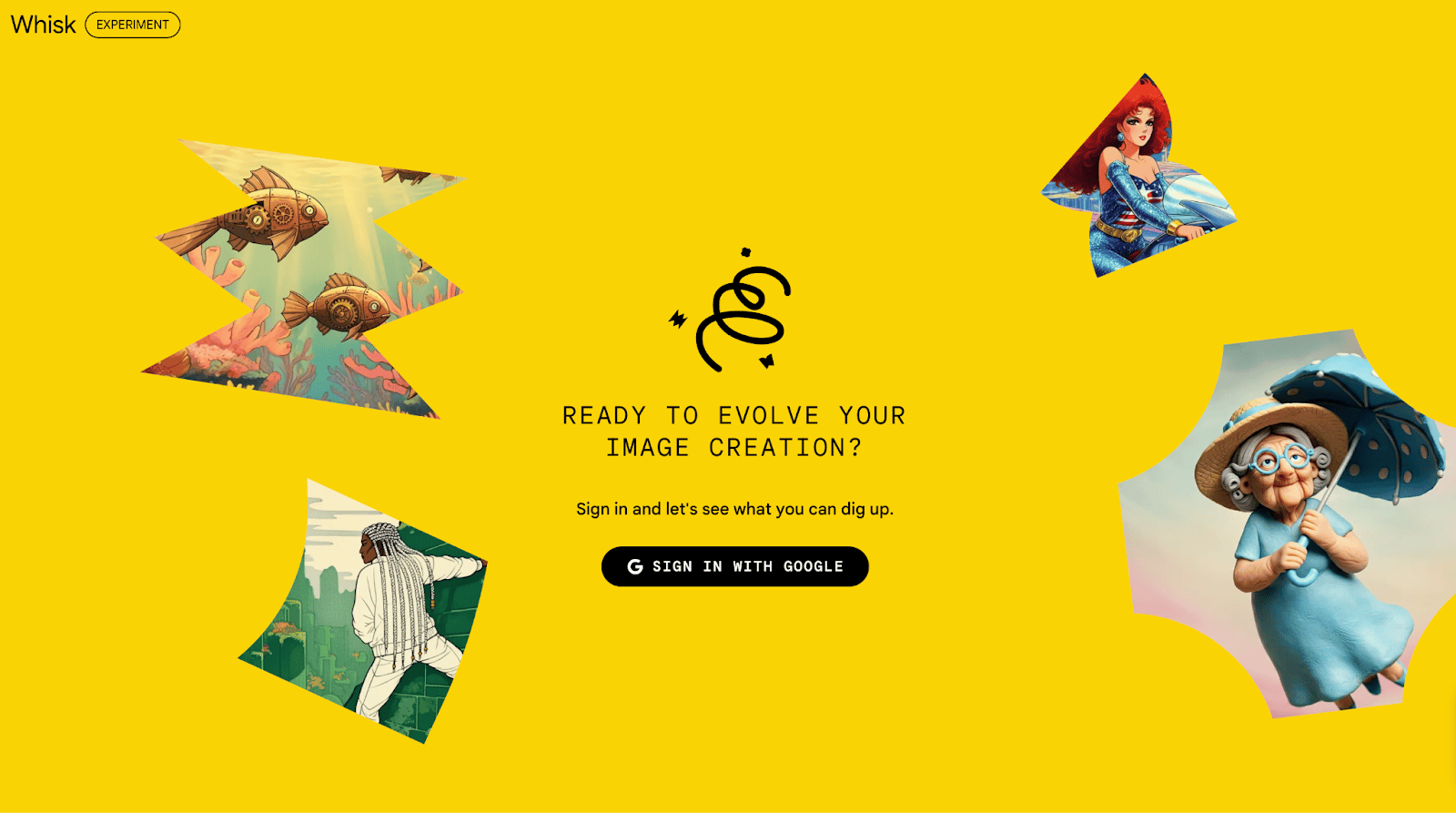
Go to Whisk AI by Google
Click Sign in and log in with your Google (Gmail) account.
Click Whisk and then New project or Create.
You will see boxes for subject, scene, and style images.
In the Subject box, upload 3–6 clear photos of your face (front, side, different expressions).
Make sure lighting is good and your face is not cropped. This helps with consistency.
In the Style box, upload one reference image for the look you want (for example, “studio portrait” or “comic style”).
In the prompt box, type: “Create a high quality image of me in cinematic studio portrait style” (replace with your style).
Click Generate and wait for the images.
Pick the best one, then use Refine or re-generate with the same face photos and a slightly tweaked prompt to keep your look consistent.
Superhero Tools for Productivity
Google AI Studio: A browser workspace to quickly test prompts and turn Gemini AI models into working apps or APIs without heavy setup.
Meta Edits: A mobile video editor that speeds up content creation with AI-powered filters, effects, and smart tools for social media videos.
Gamma: An AI workspace that turns rough ideas or docs into polished decks, docs, or simple websites in minutes.
Taplio: A LinkedIn growth tool that helps you write, schedule, and analyze posts so you can grow your audience faster with less manual work.
Google Flow: An AI filmmaking tool from Google that turns text prompts into cinematic video clips using DeepMind’s Veo and other advanced models.
Quick AI News Bites
SoftBank is racing to finalize a $22.5 billion investment in various U.S. tech companies as part of its commitment to President Trump's infrastructure plans. The Japanese conglomerate is working against tight deadlines to deploy capital into AI and technology ventures across America.
Cursor acquired Graphite for "way over" its $290 million valuation, adding AI-powered code review capabilities to its coding assistant platform. Graphite brings a specialized "stacked pull request" feature that helps engineers debug and review AI-generated code more efficiently.
Waymo has resumed its robotaxi service in San Francisco after temporary disruptions caused by a citywide blackout. The autonomous vehicle company quickly restored operations once power infrastructure was stabilized across affected areas.
OpenAI now lets users directly adjust ChatGPT's enthusiasm level, giving people more control over the AI's conversational tone and personality. Users can dial up or down how energetic and expressive ChatGPT sounds in its responses.
OpenAI admits AI browsers may always be vulnerable to prompt injection attacks, comparing them to scams and social engineering that can never be fully eliminated. The company is now using a reinforcement learning-based bot that acts as an automated attacker to find security flaws before real hackers do.
Boost revenue and gain new customers by partnering with us
Reach over 35K AI enthusiasts with your product.
Join our newsletter to connect with tech professionals, investors, engineers, managers, and business owners worldwide. DM now!
Got feedback, a story worth toasting, or a wild tech question? I’d love to hear from you; just reply, or find me on X.
Cheers,
— Poonam Soni