- AI Toast
- Posts
- Claude now build live artifacts inside Cowork
Claude now build live artifacts inside Cowork
Plus: How to use Claude Design

Poonam Soni
April 21, 2026
Sponsored by

Welcome to AI Toast!
Here’s what’s on the menu today:
Claude Cowork now builds real-time Artifacts
Moonshot AI launches Kimi K2.6 with 300-agent workflows
Tutorial: 4 Ways to Use Claude Design
Quick Toasts: Google explores new AI chip partnerships
Total read time: About 5 minutes, perfect for a quick coffee break
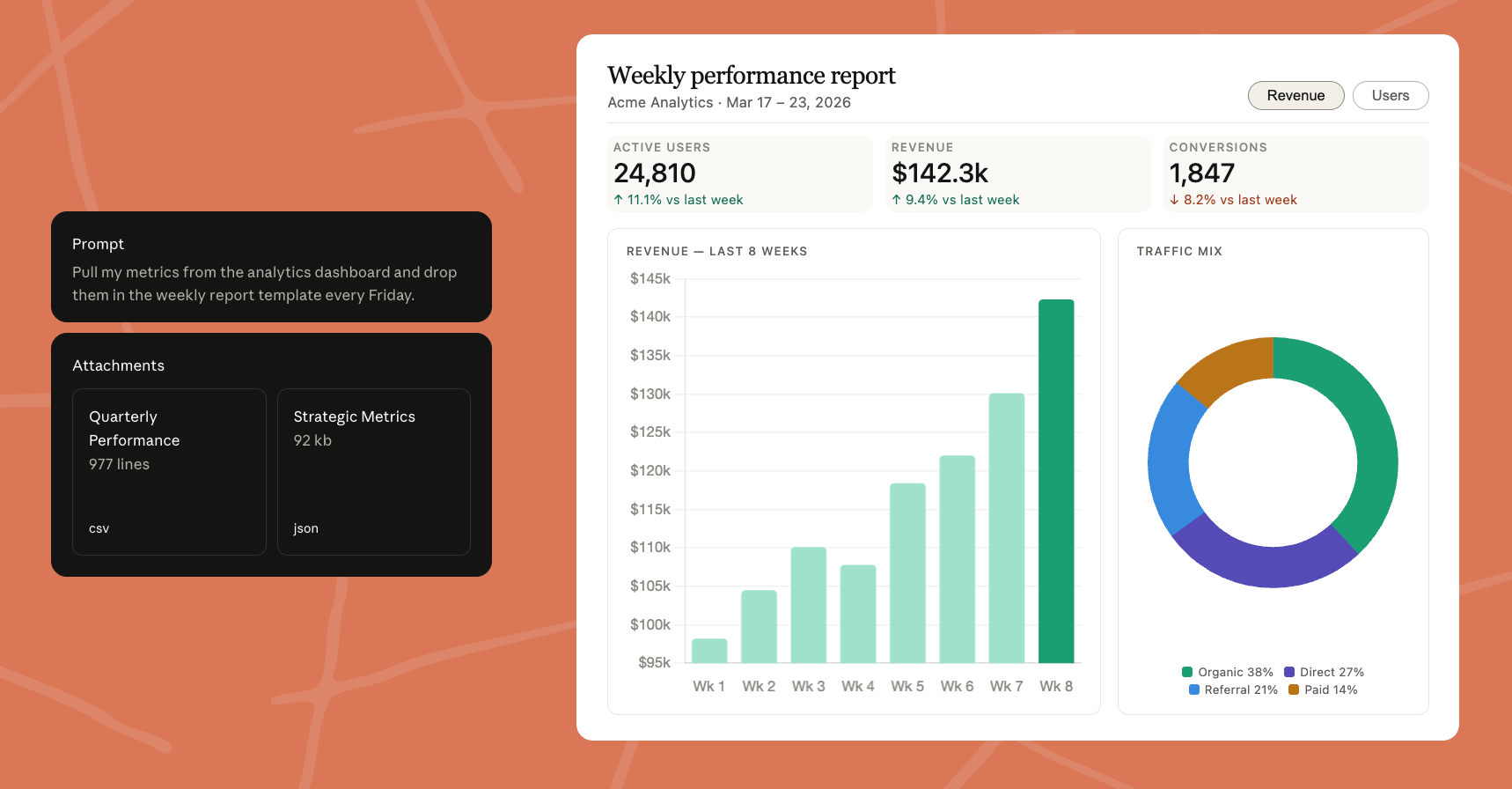
Image Source: Anthropic
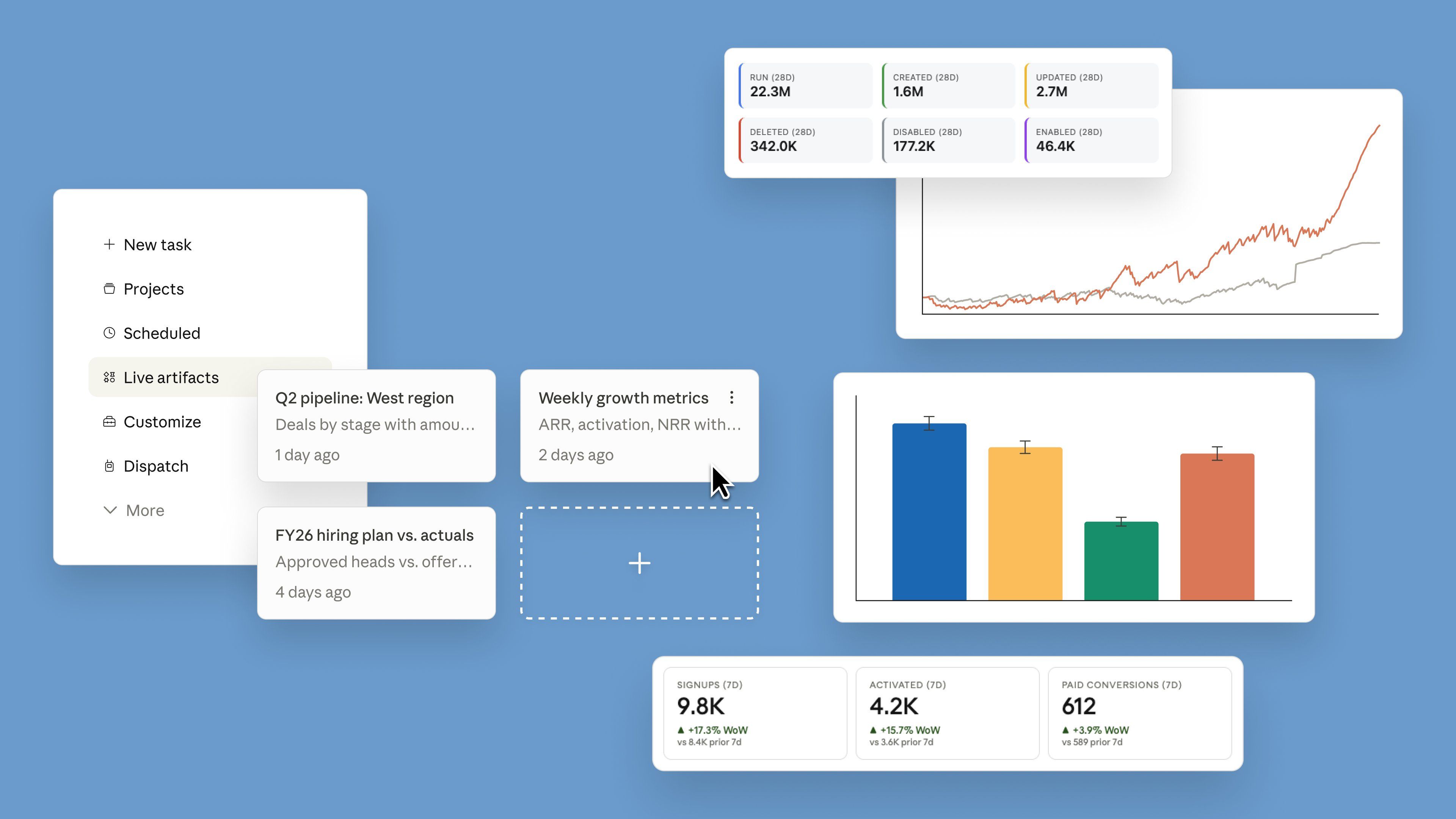
Claude is getting more powerful inside Cowork with a new feature called Live Artifacts, letting you build dashboards and trackers connected to real data.
Live Dashboards: Create trackers connected to your apps and files
Auto-Refresh: Data updates automatically whenever you open it
Persistent Work: Everything is saved, no need to rebuild
Version History: Track changes and go back anytime
Cross-Session Access: Resume work anytime, from any session
All artifacts are stored in a new Live Artifacts tab inside Claude. The feature is now available on all paid plans.
Personal Take: This is a big step beyond chat. Claude is turning into a tool that not only generates content but actually builds and maintains working systems for you.
The full software lifecycle. Now in the age of AI.
WeAreDevelopers World Congress comes to San José, CA — September 23–25, 2026. 10,000+ developers, 500+ speakers, and the full software development lifecycle under one roof, in the heart of Silicon Valley.
Kelsey Hightower. Thomas Dohmke (fmr. CEO, GitHub). Christine Yen (CEO, Honeycomb). Mathias Biilmann (CEO, Netlify). Olivier Pomel (CEO, Datadog). The people actually building the tools you use every day — all on one stage.
AI, cloud, DevOps, security, architecture, and everything real builders ship with. Workshops, masterclasses, and the official congress party.
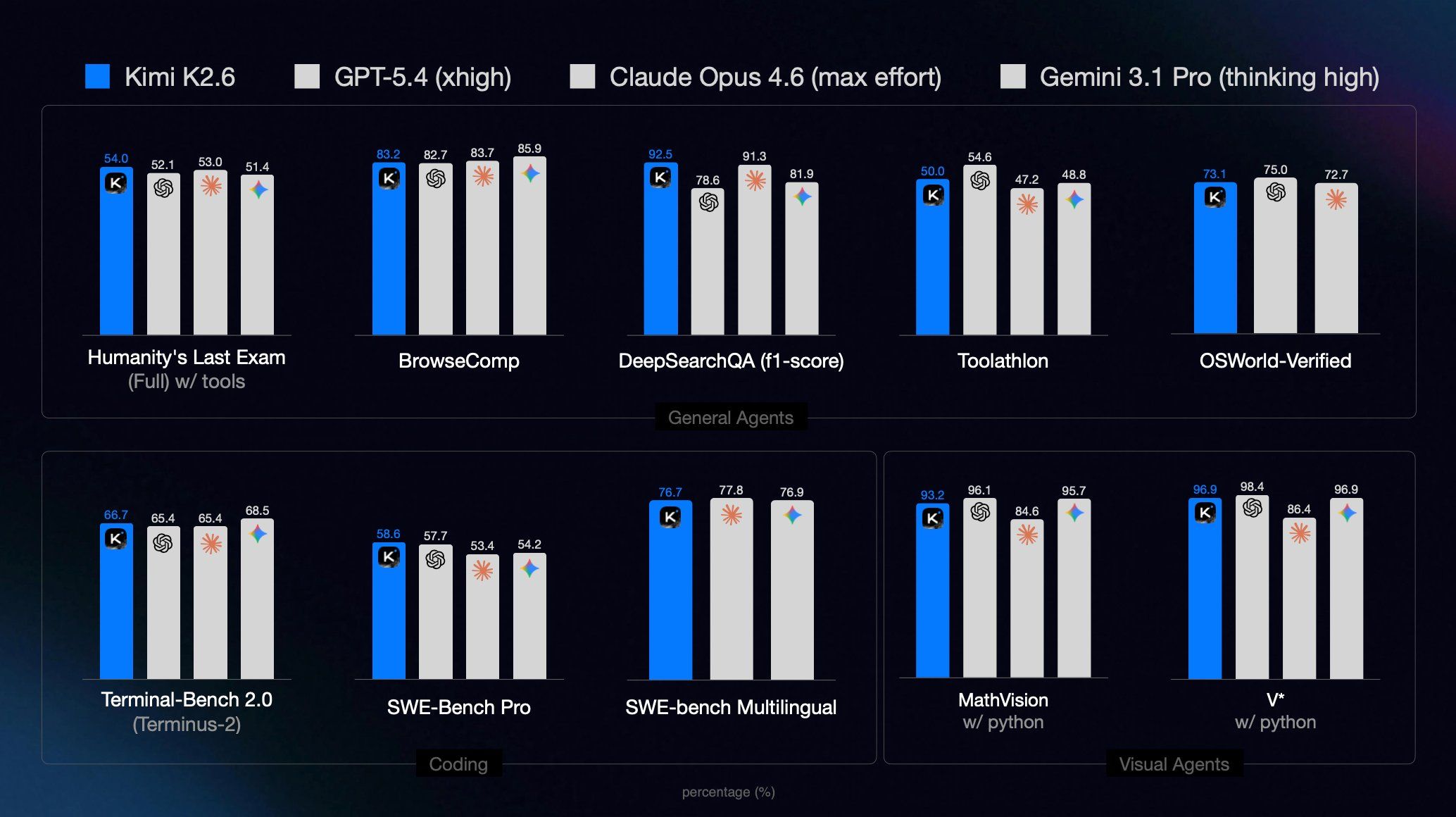
Moonshot AI's Kimi K2.6 is fully open-source, beats Claude Opus 4.6 on benchmarks, and runs entire engineering operations on its own, no subscription, no closed API.
Over a 13-hour continuous run, K2.6 made over 1,000 tool calls, modified 4,000+ lines of code and delivered a 185% improvement in throughput, autonomously.
Ran autonomously for 5 days straight handling real engineering ops. No human in the loop.
API access: $0.60 per million input tokens.
Claw Groups lets you mix your own agents, others' agents, bots and humans running full content production and launch campaigns with specialised agents working in parallel.
Personal Take: K2.6 isn't just a coding model it's a fully autonomous engineering employee that, costs almost nothing and anyone can run. While closed models charge $200/month, Moonshot put frontier AI on Hugging Face for free. The open-source race has a new leader and it isn't American.
The best marketing ideas come from marketers who live it. That’s what The Marketing Millennials delivers: real insights, fresh takes, and no fluff. Written by Daniel Murray, a marketer who knows what works, this newsletter cuts through the noise so you can stop guessing and start winning. Subscribe and level up your marketing game.
Superhero Tools (For Coding/Vibe Coding)
Zed: A minimal code editor crafted for speed and collaboration with humans and AI. Available for macOS, Linux, and Windows.
Cursor: Ship higher-quality code, fast. Cursor's coding agents plan, build, test and review code in one AI development platform. Multi-Model Selection.
↳ Turn ideas into visuals
↳ Build UI without touching code
↳ Create assets faster than Canva
↳ Basically… design without being a designer
1. Landing Page UI in Seconds
✦ Prompt: “Create a modern SaaS landing page for an AI tool”
✦ Claude generates full layout (hero, features, CTA)
👉 Best for: founders, MVPs, quick prototypes
2. Social Media Creatives
✦ Prompt: “Minimal Instagram post for AI marketing tips, black + neon theme”
✦ Get ready-to-use visual designs
👉 Best for: reels covers, carousels, ads
3. Pitch Deck Slides
✦ Prompt: “Clean startup pitch deck with problem, solution, traction slides”
✦ Claude designs structured, professional slides
👉 Best for: founders, freelancers, agencies
4. App / Dashboard UI
✦ Prompt: “Design a fintech dashboard with charts, analytics, dark mode”
✦ Generates UI screens with layout + components
👉 Best for: product design, client demos
Pro Tips (Don’t sleep on this)
✦ Be hyper-specific → “modern” is weak → “minimal, dark mode, glassmorphism, Apple-style” hits better
✦ Iterate like a designer → Don’t settle first output → Refine: layout, colors, spacing
✦ Use references → “like Stripe / Notion style” = better results
✦ Stack outputs → UI → export → edit → reuse across posts
Quick AI News Bites
Boehringer Ingelheim expands into AI-driven drug research, launching a new AI center in London to optimize clinical trials, recruitment, and drug development workflows.
AI becomes core to industrial engineering, as Siemens introduces an autonomous “engineering agent” that can plan, execute, and validate tasks with up to 50% efficiency gains.
Google explores new AI chip partnerships, reportedly working with Marvell to build next-gen processors aimed at improving AI model efficiency and reducing reliance on Nvidia.
AI investment moves deeper into industry-specific applications, as companies like SymphonyAI launch targeted AI solutions for sectors like energy and infrastructure.
Boost revenue and gain new customers by partnering with us
Reach over 35K AI enthusiasts with your product.
Join our newsletter to connect with tech professionals, investors, engineers, managers, and business owners worldwide. DM now!
Got feedback, a story worth toasting, or a wild tech question? I’d love to hear from you; just reply, or find me on X.
Cheers,
— Poonam Soni